Design SystemOwn product
Celvra · Center Rent Design System
Celvra: a design system and its code, born together
The visual system behind Center Rent, my own app, built from scratch and documented to go straight from Figma to code.
- Company
- Center Rent · P2P marketplace for renting rooms, equipment and furniture to health and beauty professionals
- Platform
- iOS (SwiftUI)
- My role
- Founder, designer and builder: ideation, product, DS, documentation and code, with Claude Code as a pair programmer
- Team
- Just me
- Duration
- In development, not launched yet
[ Impact ]
70+
components in Figma
700+
variants
100
design tokens
[ 01 ]
Context
Center Rent is my own product. There was no big team to align, and that's exactly why I needed a system that let me build fast without losing consistency.
[ 02 ]
What I did
- Identity and tokens: purple #7F68C1 as primary and lime #DCF289 as secondary, neutrals from n0 to n900 and feedback colors. SF Pro on a Minor Third (1.2) type scale and a 4pt spacing grid.
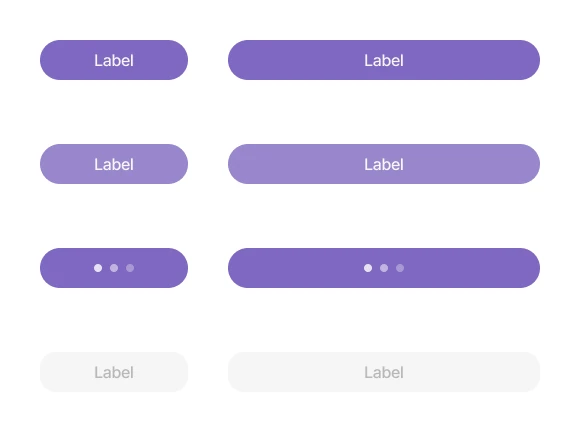
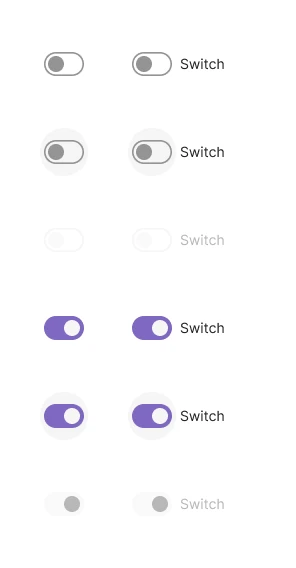
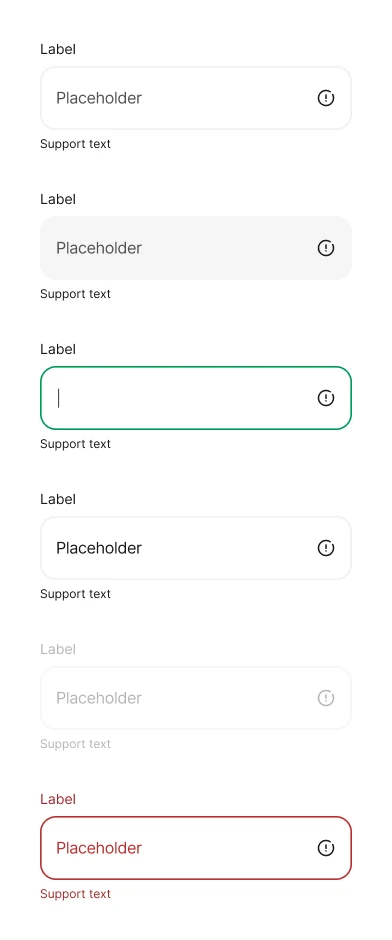
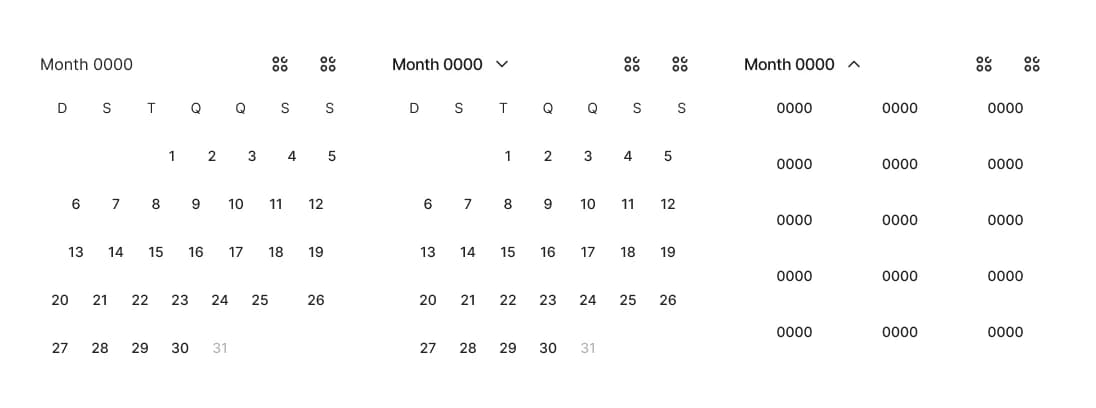
- Figma library: 70+ components and 700+ variants, organized into Actions, Containers, Content, Inputs, Navigation, Feedback, Status and Drawer, plus 170+ icons, 18 text styles and 6 effect styles.
- In code, components become SwiftUI with a CR prefix (CRButton, CRCard, CRListingCard, CRTextField, CRTabBar…).
- Documentation built for engineering: Swift, Tailwind, HTML and JSON, so the same system serves the app and any web surface.
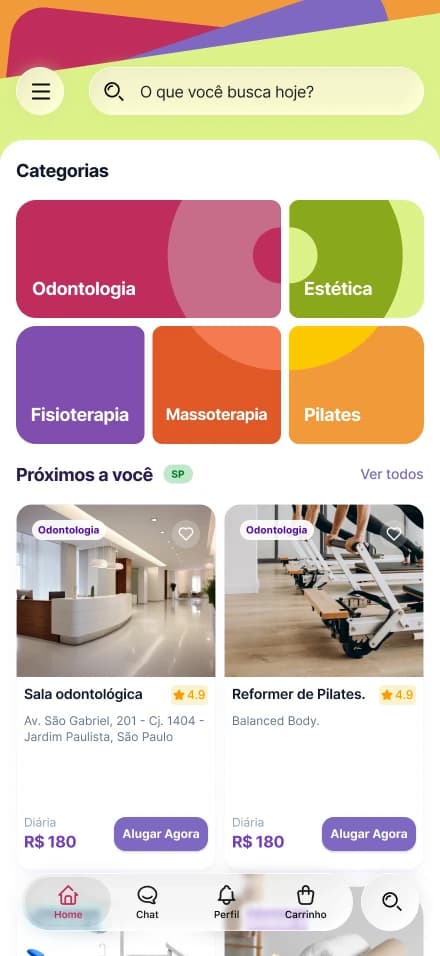
- Applied to the whole product: onboarding, search, room page, booking and payment, renter and host approval flows, profiles, listing creation and referrals.

[ The flow ]
The app, screen by screen
Pick a screen and scroll inside the iPhone to see each one in full.
Categories and nearby rooms right at the start.
Scroll to see the full screen
[ What I learned ]
Building alone, with AI as a pair programmer, showed me that a design system is the contract between design and code. When a token is born ready for Swift, the distance between an idea and a working app gets much shorter.